Six parts. Endless ways in.
Use one for a few minutes, or follow an idea from one part to the next until it's something real.
One idea, all the way through.
Find something new
A strange article, an album, a game you haven't played, a chapter on how ideas form.
Catch the idea
Save it to your Ideas Bank in a couple of taps, or use the Ideas Lab to come up with more.
Make something with it
A meal, a card, a song, a garden, a business. Give it a Pursuit and log each small step.
 Today
Fresh every morning.
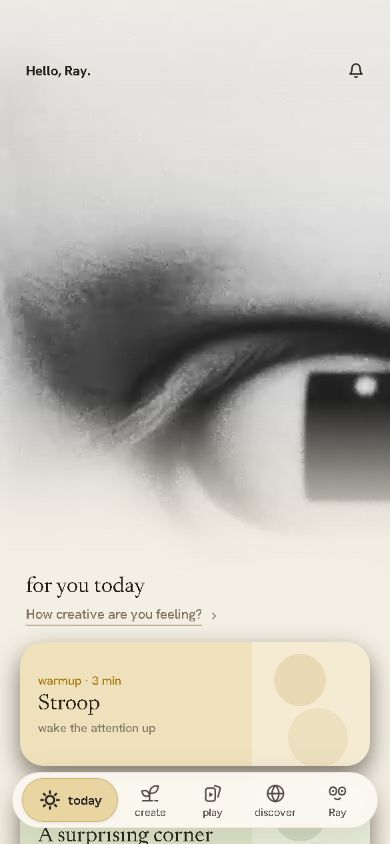
The screen the app opens on: a few things to try, picked from the rest of the app.
- For youUsually three picks, like a game, something to read and a project to pick back up.
- DailiesFour short pages a day: ten ideas, a colour hunt, a few lines, one to end on.
- No catching upNothing piles up while you're away.
 Play
Dozens of tiny games.
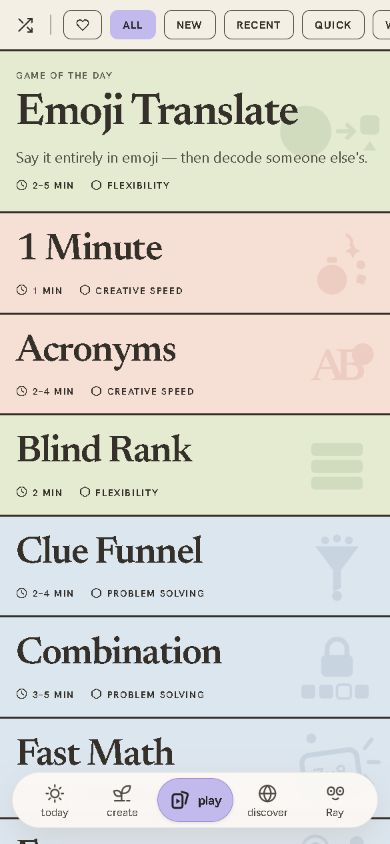
Each one works on a different kind of thinking, and most take a few minutes.
- Word gamesAcronyms, Reverse Dictionary, Missing Link, Unscramble, Clue Funnel, Rockbusters.
- PuzzlesNumnum, Slide, Untie, Groups, Match and Path.
- Draw, choose, go fastDoodler, Fridge, Trolley, Blind Rank, Fast Math and more.
 Ideas
The ideas were in there all along.
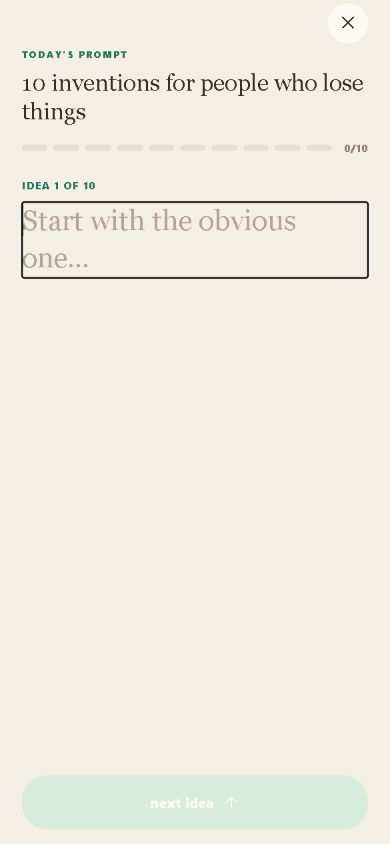
Exercises that get you past the first obvious answer, and a Bank where the good ones grow.
- Ideas LabTen ideas on one question, a braindump that fades as you type, a question to sleep on.
- Ideas BankSparks, problems you're stuck on, and lists that grow.
- From anywhereEvery game and article has a button for saving an idea.
 Discover
Better rabbit holes.
Things you wouldn't normally come across, chosen by people rather than a feed.
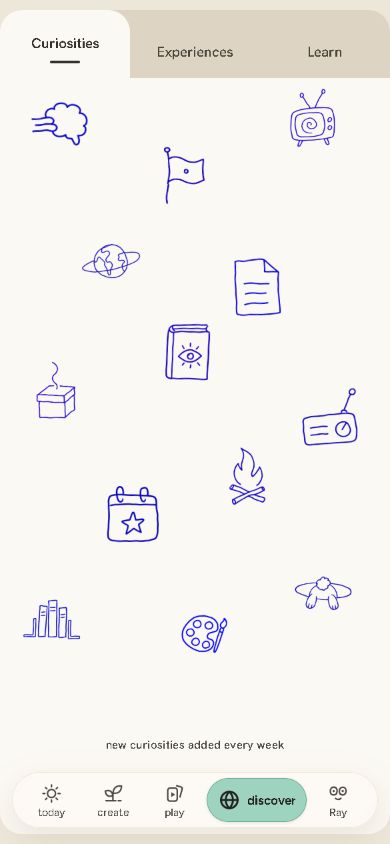
- CuriositiesOdd Wikipedia pages, world radio, very short stories, questions to guess.
- ExperiencesAlbums, films, food and places to try. Tick them off, note what you thought.
- LearnHow creativity works, how great creators worked, books and research.
 Pursuits
Finish the thing.
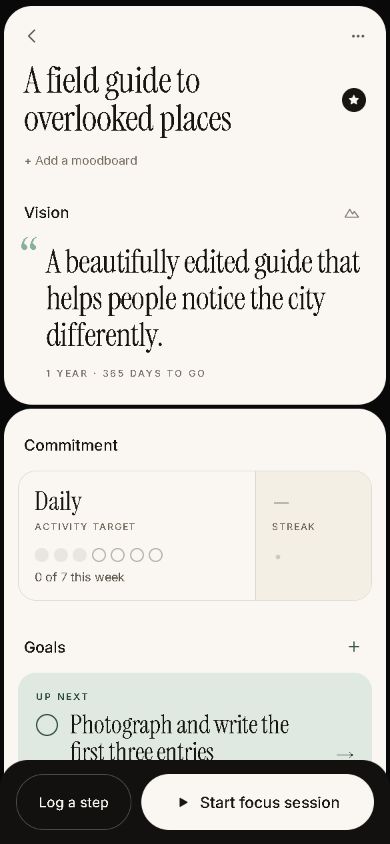
The things you're making or getting better at, each with its own page.
- Goals and stepsHow often you want to work on it, what's next, and each small step.
- Focus sessionsA quiet room with ambient sound, and no countdown.
- Moodboard and milestonesPictures to set the look, ideas tagged to it, moments worth keeping.
 Me
Watch it add up.
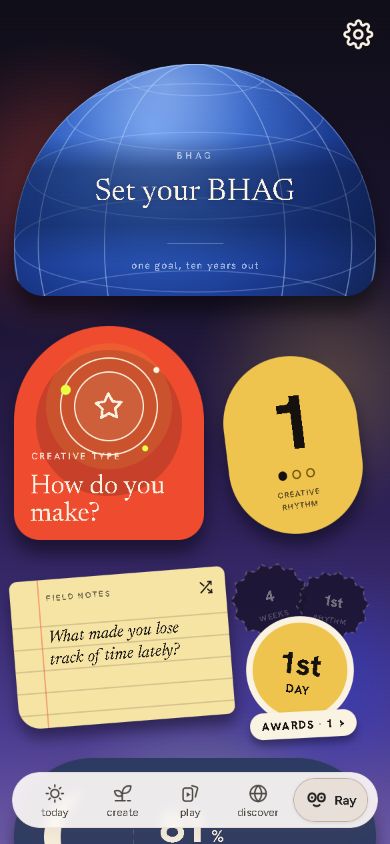
Your creative days, your Creative Type, your notes and your settings.
- Creative RhythmPick how many creative days a week. Anything in the app counts.
- Creative TypeA short quiz about how you tend to make things.
- Field Notes and awardsA journal with prompts, one big goal, and stickers for what you've done.
What it won't do.
- No to-do listSuggestions help you start. Skipping them costs nothing.
- No postingYour ideas, notes and projects are private. A few games show answers to other players, without your name.
- No creativity scoreIt counts the days you did something. It never grades you.
founding prices
Get in early.
Creaocity is coming to iPhone. Leave your email and we'll tell you the day it's out.